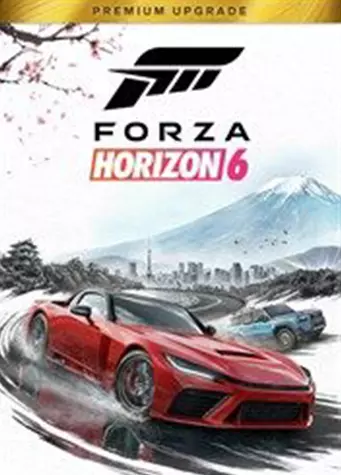


Xbox Live DLCs
Price
Regions
Works On
- Windows PC 36
- Xbox One 5
- Xbox SS 37
- Xbox SX 37
Genres
- Action 3
- Adventure 3
- Open World 35
- Racing 35
- Simulation 35
- Sports 35
Europe
€43.99
United Kingdom
€64.99
South Korea
-7%
United States
-2%
Global
-7%
Xbox DLC codes add content to games already on a Microsoft account. Expansions, upgrade packs, car and skin bundles and season passes all work the same way: redeem the code, and the content unlocks in the game it belongs to.
What is an Xbox DLC code?
An activation code for add-on content rather than a full game. Redeeming it attaches the content to the account permanently, exactly as buying it in the store would.
The base game has to be on the same account for the content to be usable. Buying an add-on does not include the game it extends.
What kinds of content are here
- Expansion and premium upgrade bundles. Packs that move a standard copy up to a fuller edition after purchase.
- Cosmetic packs. Skins, outfits, vehicles and item sets.
- Season passes. Bundles covering a game’s planned run of content.
- Individual items. Single cars, operators or skins sold on their own.
How to redeem
On the console, open the Store, choose Redeem Code under Categories, sign in if prompted and enter the 25 character code. In a browser, microsoft.com/redeem works the same way. The content attaches immediately and appears the next time the game is launched.
Redeem on the account that owns the game. Add-on content cannot be transferred between Microsoft accounts once activated.
Check region and base game first
Confirm two things before buying: that the code matches the account region, and that the game the content belongs to is on that account. Both are stated in the product title on this page. A code redeemed onto an account without the base game will activate and then be unusable, which cannot be undone.